

Finance & ERP
Xero
Cloud accounting with unlimited users — the adviser-channel favourite
Finance & ERPSoftware
by Microsoft
The Microsoft ERP sized — and priced — for small and mid-sized businesses
This page contains affiliate links. If you buy through them we may earn a commission at no extra cost to you. See our affiliate disclosure.
Best for: Small and mid-sized businesses already in the Microsoft ecosystem that have outgrown accounting software and want a real ERP without enterprise implementation weight.
Dynamics 365 Business Central is Microsoft's cloud ERP for small and mid-sized businesses — the descendant of Navision, and the usual next step when a company in the Microsoft ecosystem outgrows accounting software.
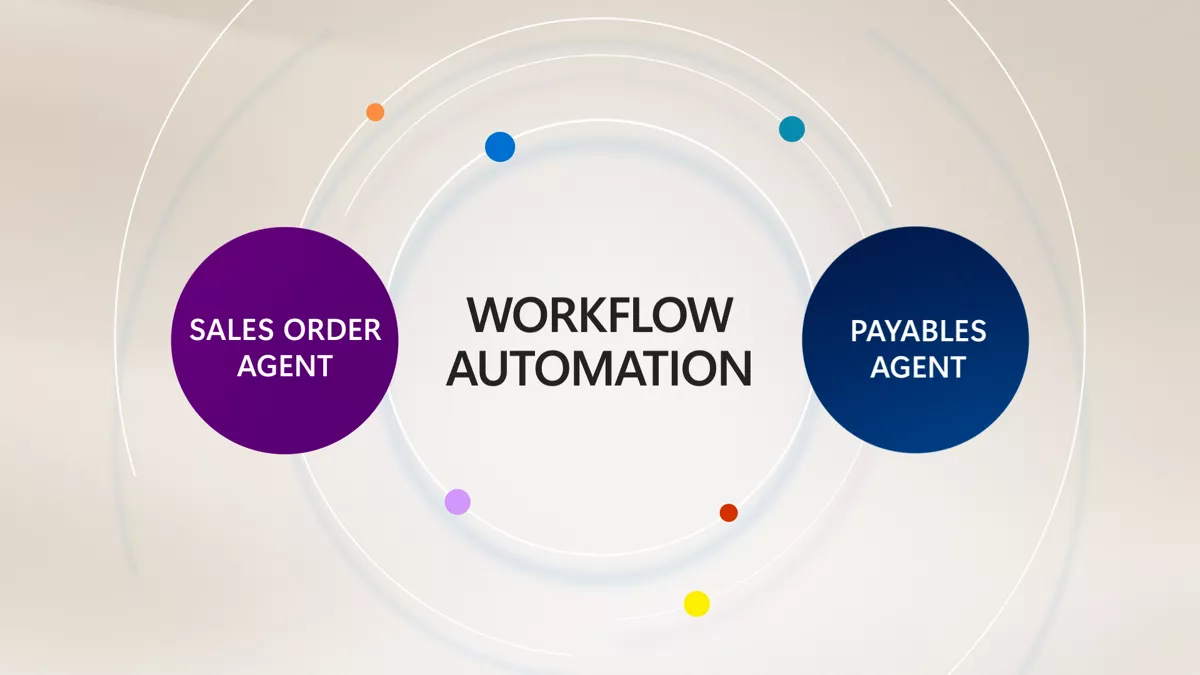
Agent-driven workflow automation in Business Central. Image: Microsoft.
Both, and the distinction matters. The finance core — general ledger, dimensions-based reporting, multi-currency, bank reconciliation, fixed assets, audit trails — is strong enough that people search for it as "Business Central accounting software". But it is a full ERP: inventory, purchasing, sales orders, projects, assembly and warehousing share one data model, and the Premium licence adds manufacturing and service management. Everyday work happens inside Microsoft 365: edit records in Excel and publish back, process documents from Outlook, collaborate in Teams.
| Licence | Price per user per month, paid yearly (Microsoft pricing page, as of September 2026) | Covers |
|---|---|---|
| Essentials | $80 | Finance, sales, purchasing, inventory, projects; Copilot included |
| Premium | $110 | Essentials plus manufacturing and service management |
| Team Members | $8 | Read access, approvals and light data entry |
Microsoft also lists a 30-day free trial. The licence is the smaller number: Business Central is sold and implemented through partners, and implementation — configuration, data migration, training — is quoted separately and usually exceeds the first year's licences.
Companies of roughly 10 to 300 staff that run on Microsoft 365, have outgrown QuickBooks or Xero, and need inventory, multi-entity or project accounting in one system. The partner network and the AppSource extension marketplace mean industry add-ons rarely need building from scratch.
Very small firms whose needs are bookkeeping and invoicing; Xero costs far less. Businesses without budget for a partner should also look elsewhere — the posting setup and dimensions design are easy to configure badly.
See the three side by side in our Business Central vs ERPNext vs Dynamics F&O comparison, read the ERP guide for SMEs, or browse finance and ERP. For connecting it to other systems, see Make vs Zapier.
Digital4All offers independent ERP advisory — requirements, shortlist, partner selection — before you sign with an implementer. Tell us where you are.
Research-based listing — not hands-on tested by Digital4All; details as of September 2026.
| Plan | Price | Includes |
|---|---|---|
| Essentials | $80 per user/month | Finance, inventory, purchasing, sales, jobs — the core ERP, paid yearly (verified Aug 2026) |
| Premium | $110 per user/month | Everything in Essentials plus manufacturing and service management, paid yearly (verified Aug 2026) |
| Team Members | $8 per user/month | Read access and light tasks — approvals, time sheets, lookups (verified Aug 2026) |
| Implementation (partner) | Custom | Partner-quoted; a straightforward finance-first implementation typically runs weeks to a few months |
Finance & ERP
Cloud accounting with unlimited users — the adviser-channel favourite
Finance & ERP
The open-source ERP whose free tier is the entire product
Finance & ERP
Microsoft’s enterprise ERP for complex, multi-entity organisations
Finance & ERP
Self-service manufacturing ERP for 10-200 employee manufacturers
CRM & Sales
HubSpot vs Pipedrive vs Zoho CRM compared as of September 2026: free plans, real per-seat pricing, automation, AI and ease of use — verdict by use case.
Finance & ERP
When an SME really needs an ERP, what Business Central, ERPNext and Dynamics 365 F&O actually cost to run, and how to pick the partner who implements it.
Finance & ERP
QuickBooks Online raised prices again in August 2026: the new plan costs, who should stay, when Xero or Zoho Books fits — and when it is really an ERP problem.